Four AI Video Models Walk Into a Production Budget
Four AI video models can all make moving pictures. The useful question is which one deserves your credits for the scene in front of you.
V1nmon here. We need to talk about where your credits are going.
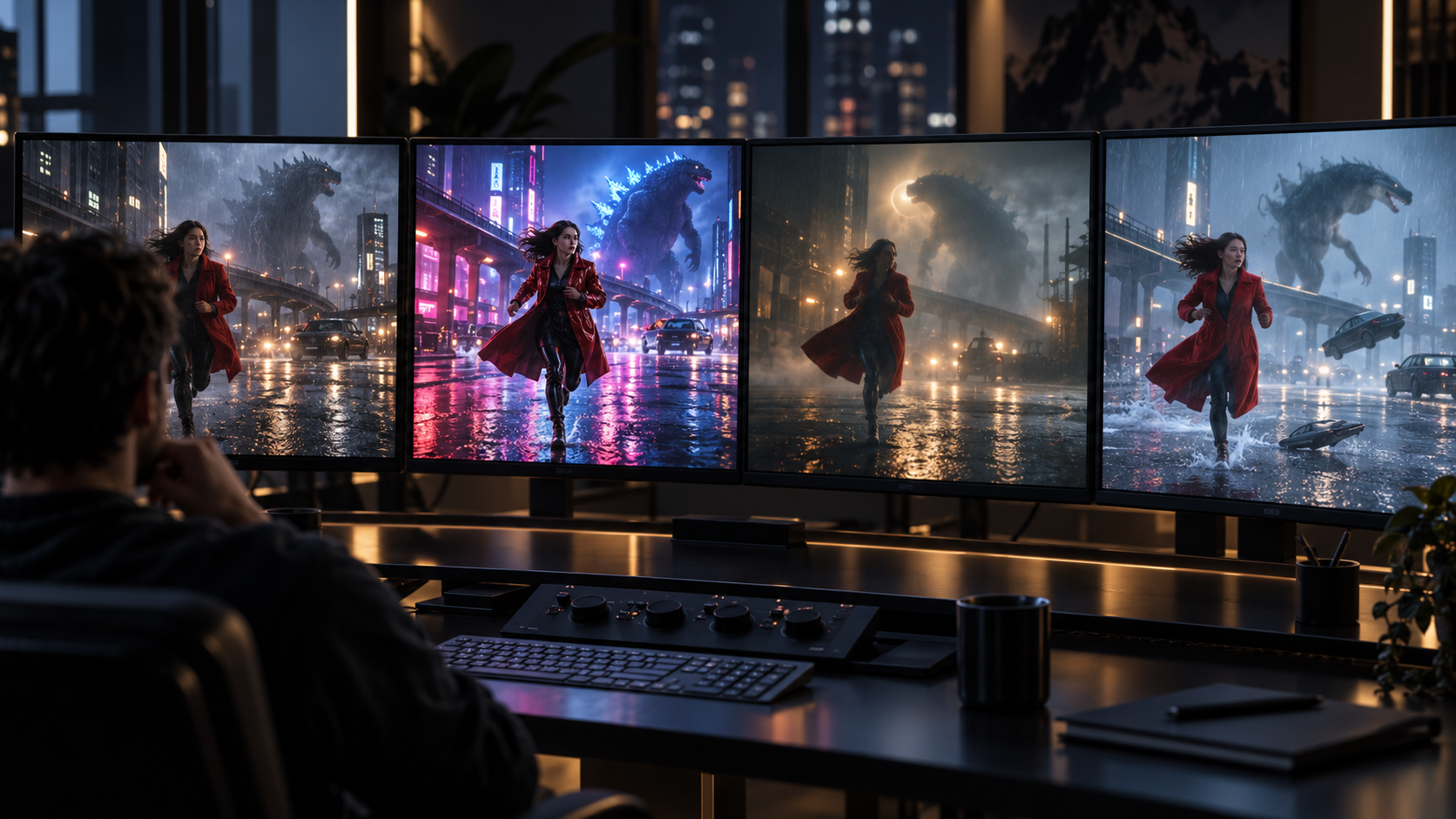
Seedance 2.5, Kling 3.0, FLUX 3, and Grok Imagine will all put moving pictures on your screen. The choice only gets interesting once you have a real scene in mind, because a monster waiting in a hallway needs something different from a dancer, a perfume bottle, or a middle manager explaining why the break room is flooded.
A model has to earn its place in the project. That means ignoring the launch reel, reading what people actually tested, and checking what the version in your account can do. A feature on the developer’s website does not automatically show up in every app reselling access to it.
What follows draws on current documentation, published tests, and filmmaking coverage. The test results belong to the reviewers linked below; the recommendations are mine. Models covered: Seedance 2.5, Kling VIDEO 3.0, FLUX 3 Video, and Grok Imagine Video 1.5 (with Grok’s Fast variant called out separately). Prices checked September 30, 2026.
The damage to your wallet
Each price below is the listed cost of one ten-second generation at roughly 720p/HD with audio, on a specific pay-as-you-go route. It excludes rerolls, tax, input charges, and extra processing. It is not a subscription price, and it is not a claim that this is the cheapest deal anywhere.
$ = under $1 · $$ = $1–$2 · $$$ = over $2 per ten seconds
| Model and route | Meter | Published rate | Ten seconds |
|---|---|---|---|
| Kling 3.0 Standard, fal, audio on, no voice control | $$ | $0.126/sec | $1.26 |
| Grok Imagine Video 1.5, xAI API, 720p | $$ | $0.14/sec | $1.40 |
| FLUX 3 Video, BFL, HD text/image-to-video | $$ | $0.17/sec | $1.70 |
| Seedance 2.5, fal, 720p text-to-video | $$$ | ~$0.473/sec | ~$4.73 |
Sources: Kling on fal · xAI Video 1.5 pricing · BFL pricing · Seedance on fal
Fine print worth reading:
-
Seedance bills by token, so dimensions and inputs move the final number. Seedance billing
-
FLUX also has an HD draft mode at $0.06/sec ($0.60 for ten seconds, a single $). It’s a preview workflow, so it stays out of the full-render comparison. FLUX draft pricing
-
Grok lists image-input charges separately. Grok input pricing
-
Subscription bundles and promo credits can change your personal math a lot.
And notice: Grok is not the cheapest full render here. Internet shorthand has a long shelf life. Prices don’t.
Seedance 2.5: bring the ambitious scene, bring lunch money
Start here for: action, cinematic drama, slow-reveal horror, longer mockumentary scenes. Price: $$$
Seedance’s best argument is room for a scene to breathe. ByteDance documents up to 30 seconds per generation, joint audio-video output, reference controls, and editing. A character can enter, do something, discover a problem, and react, without every beat needing its own generation. ByteDance model overview
The enthusiasm has receipts. Curious Refuge’s 1080p tests describe convincing character continuity and reactions in a multi-shot dialogue scene. Their asteroid-driving test produced strong effects, plus some unwanted slow motion. They paid $31.62 for one 30-second Dreamina generation. That’s their render, not a universal Seedance price. Curious Refuge’s Seedance 2.5 tests
CineD’s coverage of Drew Geraci’s workflow adds a dose of reality: elaborate prompts, careful reference prep, and sample renders he estimated at $25–$30 each. The piece accompanies a paid filmmaking course and isn’t a controlled four-way comparison, but the takeaway holds: serious preparation and expensive attempts come with the territory. CineD’s report
For action, spend your first test on contact. A boot hits the ground. A hand catches an object. A car turns without quietly changing its wheelbase. Explosions hide a shocking amount of nonsense. Before you add forty police cars, find out whether one car can finish the corner.
For horror, the draw is time. Someone hears a sound, decides to ignore it, then realizes the sound has stopped. That decision needs room. Also tell the model when the threat becomes visible, or your patient hallway scene will open with the monster standing under a spotlight, essentially announcing its availability for birthday parties.
One spec to word carefully: “720p” is no longer a safe blanket description of Seedance 2.5. Curious Refuge tested 1080p through Dreamina, while the fal listing still says output tops out at 720p (even though its billing copy mentions 1080p). Check the actual controls on your route. Dreamina testing · fal listing
Where to run it: Dreamina and TT AI Cast
Dreamina is an official Seedance creation platform, and its Seedance 2.5 page puts reference-driven generation and local video editing into a creator-facing workflow. If you want prompts and references without setting up an API, start here. The fal price above belongs to a different provider; check Dreamina’s own credit cost for your settings before you hit generate. Same model family, different cash register. Dreamina’s Seedance 2.5 page
TT AI Cast (TikTok’s AI Cast) is the route for putting yourself in the scene. It uses digital avatars called AI Selves, so creators can prompt videos starring themselves and participating friends. Good for recurring bits, cameos, and the fictional version of you who somehow became spokesperson for a haunted aquarium. Availability varies, so check your own account. AI Cast coverage
Keep the version label honest: creators report using Seedance 2.0 through AI Cast, and I couldn’t find a current TikTok statement naming the underlying version. Treat it as a reported Seedance route with 2.5 access unconfirmed, and don’t assume Dreamina’s controls, clip lengths, or prices carry over. A creator’s AI Cast account
Kling 3.0: give the camera a job
Start here for: product shots, fashion, deliberate camera movement, short scenes with planned coverage. Price: $$
Kling VIDEO 3.0 offers 3–15-second generations, element references, native audio, and custom multi-shot controls. Those controls shine when you already know your coverage: wide, close-up, reaction. When comparing tutorials or buying access, keep VIDEO 3.0 and VIDEO 3.0 Omni straight; they’re different products. Kling’s official guide
Curious Refuge’s February testing praised image-to-video and camera movement, but reported grading shifts between cuts and inconsistent lip-sync and facial likeness. So Kling earns a spot for dialogue, but “has native audio” is not the same promise as “delivers a dramatic performance.” Curious Refuge’s review
A small, recent Fuser comparison found Kling 3.0 Pro produced a clearer push-in than MiniMax H3 on a product shot, while H3 won their speaking-person prompt. Two prompts with one Kling run each settles nothing about rankings, and Fuser sells generation services. Still, it’s a decent example of why Kling deserves attention for directed product coverage. Fuser’s September comparison
For fashion, start from the reference image you actually want animated. Ask for the turn, the fabric movement, and a useful camera position, then inspect the garment. If the jacket grows a zipper halfway through, gorgeous lighting won’t save the product brief.
For romance or drama, start with a short exchange and watch the person who isn’t talking. A scene can nail every word and still feel empty because the listener looks like they’re waiting on a software update. Give them something small to do: rubbing a mark off a glass, almost replying, setting something down more carefully than necessary.
One myth to skip: a review speculated that missing audio meant native dialogue was Omni-only. Both the official VIDEO 3.0 guide and fal’s Standard API explicitly support audio. A failed test is worth reporting; a guessed explanation for it isn’t automatically fact. Kling documentation · fal Standard API
FLUX 3: let the art department get weird
Start here for: surreal transitions, fantasy imagery, stylized animation, music-video concepts, visual development. Price: $$ (drafts $)
FLUX 3 Video’s pitch is the combination: ordered keyframes, scene changes, continuation, and a draft-to-finish workflow. If you can sketch where an image starts, where it changes, and where it lands, these controls are worth your time. Black Forest Labs model page
The tests point to a clear split between visual invention and exact preservation. AI Compare Hub’s five-test review found appealing material detail and visual continuity, with problems inside demanding transitions; it didn’t evaluate lip-sync or audio. GlobalGPT’s three-run test found a perfume-bottle transformation followed the broad idea but changed the bottle’s shape and squeezed the label spacing. Both sites sell AI services, neither is a neutral lab, and the samples are small. AI Compare Hub’s tests · GlobalGPT’s test report
So I’d happily hand FLUX a dream sequence before I’d crown it for exact commercial work. A glass bird flying through a paper city has room for interpretation. Your client’s perfume bottle has a manufacturing spec.
For animation, define how things move, not just how they look. Clay textures alone don’t make stop-motion. Held poses, stepped movement, limited facial animation, and elastic motion all lead somewhere different. Give the model a motion language along with the style, then check that the style survives a new angle.
For music videos, generate several strong visual ideas and make the rhythmic decisions in the edit. A spectacular transformation can still land on the wrong beat. Leave yourself footage you can cut.
A resolution correction before the spec sheet grabs the mic: BFL’s docs say FHD, QHD, and UHD delivery runs through a video upsampler. “Up to 4K delivery” is not native 4K generation, and those higher tiers cost more than the HD price above. BFL pricing and delivery
Grok Imagine 1.5: keep the experiment moving
Start here for: short visual jokes, image animation, social experiments, recurring-character concepts. Price: $$
Grok’s case is workflow speed. Curious Refuge found reusable references helpful and saw many generations come back in about a minute. They also found weaker action physics, awkward multi-shot storytelling, and voice references that sounded more like narration than acting. Their comparison footage used Seedance 2.0, so don’t relabel it a controlled 2.5 matchup. Curious Refuge’s Grok review
That points to short, contained ideas: a strange character trying to act normal, an image that needs one expressive movement, a five-second joke that lives or dies on a well-timed look. Make the physical task readable and give the scene a place to end.
Fast is its own thing: xAI reports about 25 seconds to generate a six-second 720p clip. That’s Video 1.5 Fast specifically, not everything wearing the Grok name. xAI release announcement
So is the price table: the current Video 1.5 API lists $0.08/sec at 480p, $0.14 at 720p, and $0.25 at 1080p. A review quoting $0.05 without naming the exact model and resolution isn’t describing this table. xAI model pricing
Keep elaborate fight choreography and emotionally layered dialogue off Grok’s first assignment. Let a simple scene prove itself before you promote the model to director of your three-minute space opera.
Bonus: Cantina, for recurring casts
Price: Free. Cantina isn’t one of the four models above; it’s a character platform, and a fun one. You build characters with their own look, personality, backstory, and voice, then bring them into videos you can edit and share. That makes it a natural fit for recurring comedy, mockumentary ensembles, or just poking at an idea with characters you like. Give them a world and a reason to come back next episode. Explore Cantina · Video creation guide
So what goes where?
The practical shortlist. These are starting points built from the evidence above, with filmmaking judgment filling the gaps. Nobody ran every genre through a lab.
| What you’re making | First stop | What decides whether it stays |
|---|---|---|
| Action, sports, choreography | Seedance 2.5; compare Kling on focused motion | Weight, contact, readable geography |
| Drama or romance | Seedance 2.5; Kling for shorter planned coverage | Listening, reactions, speech timing |
| Horror | Seedance 2.5 for sustained tension | Whether the reveal lands when you intended |
| Fantasy, surrealism, music-video imagery | FLUX 3; Seedance for demanding physical action | Whether the transformation serves the scene |
| Stylized animation | FLUX 3; Grok for quick image-animation tests | Consistent design, intended movement style |
| Products and fashion | Kling 3.0 | The actual object or garment surviving the shot |
| Short social comedy | Grok Imagine 1.5 (Fast where available) | Setup and payoff readable instantly |
| Mockumentary | Seedance for longer observation; Kling for compact coverage | Sincerity, camera behavior, a reaction worth holding |
| Nature and travel | No defensible single winner yet | Water, foliage, animals, stable movement |
Pick the model that fits the scene, and test the hard part first.